Keep one copy of your data that every team can use.
Ask most companies where their customer data lives and you’ll get a list: the CRM, the warehouse, a Spark platform, two BI tools and a few spreadsheets. Each copy is a little different, and somebody has to decide which one to believe.
We wanted one answer. Your data lands once, as open Apache Iceberg tables that any engine can read, so you’re never locked in. One set of rules decides who sees what, whether they ask from a Data App, Tableau or a notebook.
Every tool reads the same tables.
In the usual stack, every tool keeps its own copy of the same table: the ingestion tool, the warehouse, the Spark platform, the BI extract, the app database. Every copy can drift, and every copy needs its own permissions.
Databasin keeps one. Pipelines, Data Apps, Databasin One and your BI tools all read the same tables, so the number in the board pack is the number on the dashboard. We’ve been in plenty of meetings where two people brought two different answers to the same question. One copy is how we fix that.
Compute scales to zero when nobody is using it.
Clusters scale down to nothing when nobody is using them and wake again when the work comes back. Overnight and on weekends, apart from scheduled jobs, they’re off, so you aren’t paying for an idle warehouse. The trade-off: the first query after a long quiet spell waits while the cluster starts up.
See the numbers
| Block | Weekday minutes | Weekend minutes |
|---|---|---|
| 00–03 | 0 | 0 |
| 03–06 | 15 | 15 |
| 06–09 | 30 | 0 |
| 09–12 | 150 | 0 |
| 12–15 | 160 | 0 |
| 15–18 | 120 | 0 |
| 18–21 | 20 | 0 |
| 21–24 | 0 | 0 |
Three questions we hear in every first call
Where does our data actually live?
With us: we run it, and your data is stored as open Iceberg and Delta tables, a format any engine can read, so you’re never locked in to us. If your rules say it has to stay inside your own Azure, we can install Databasin there instead.
What are we paying for at 2am?
Nothing, if nothing is running. Compute is billed by the minute while it runs, with no seats and no annual commit.
Which table am I supposed to trust?
Raw data lands untouched, then gets cleaned, then becomes the business-ready tables people actually query. Each step is kept, so you can always see where a number came from.
Your metric definitions, applied everywhere.
Your data team writes the definitions once, in a Data Exchange: each metric, what it means, and how it’s calculated. Databasin One and Data Apps follow them when they answer, so two people asking the same question get the same number. Your data team owns the definitions, because they’re the ones people ask when a number looks wrong.
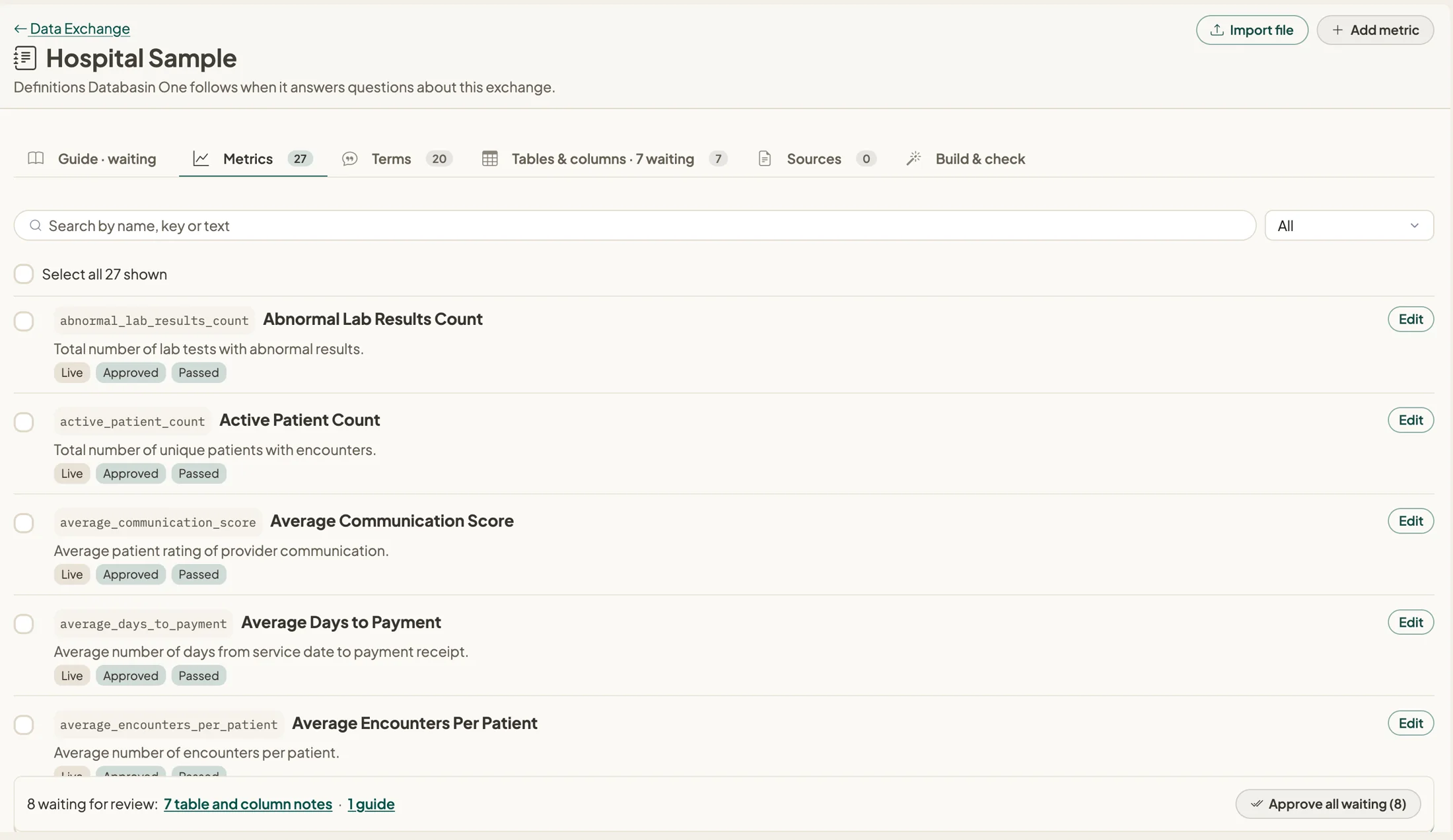 Metric definitions in a Data Exchange, each one approved and checked.
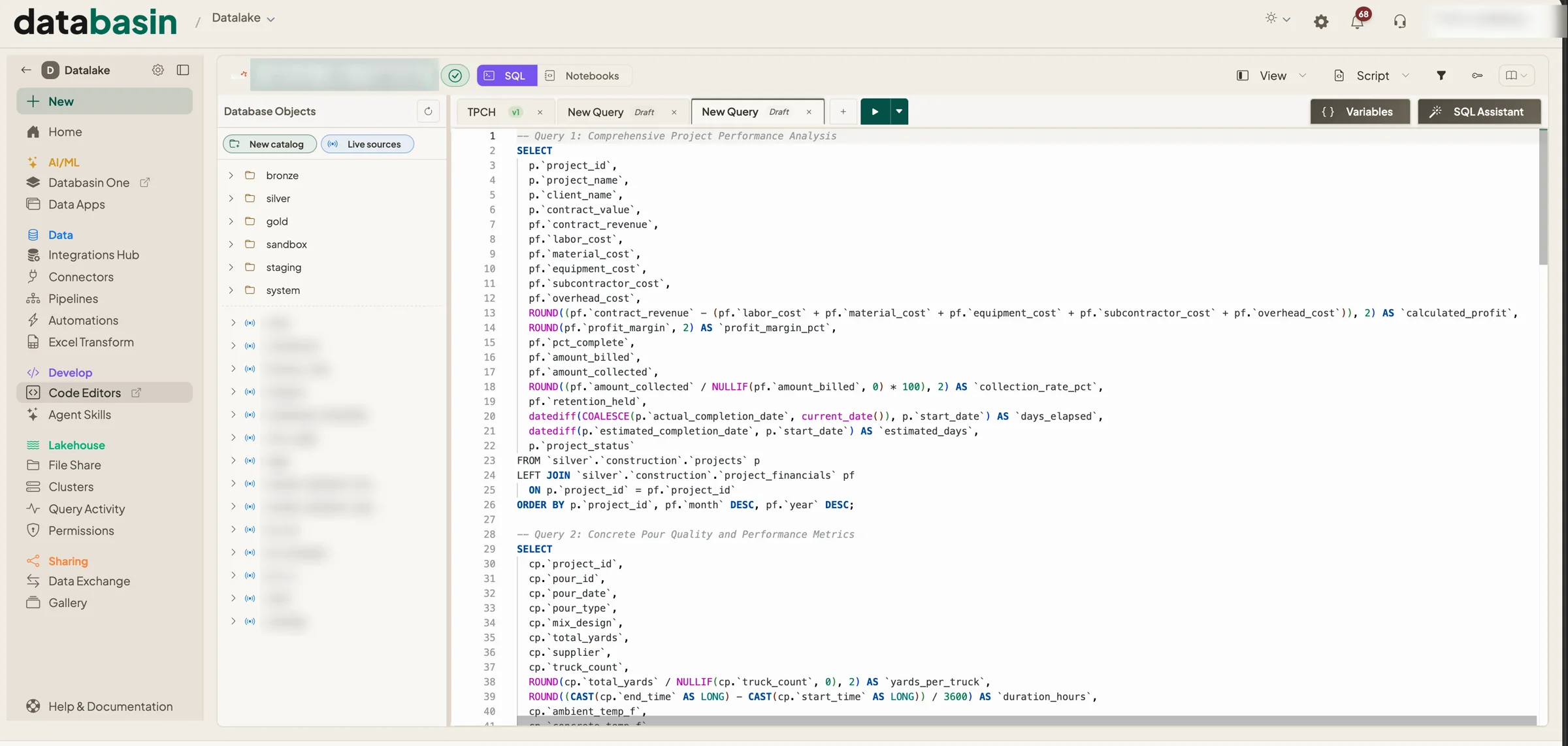
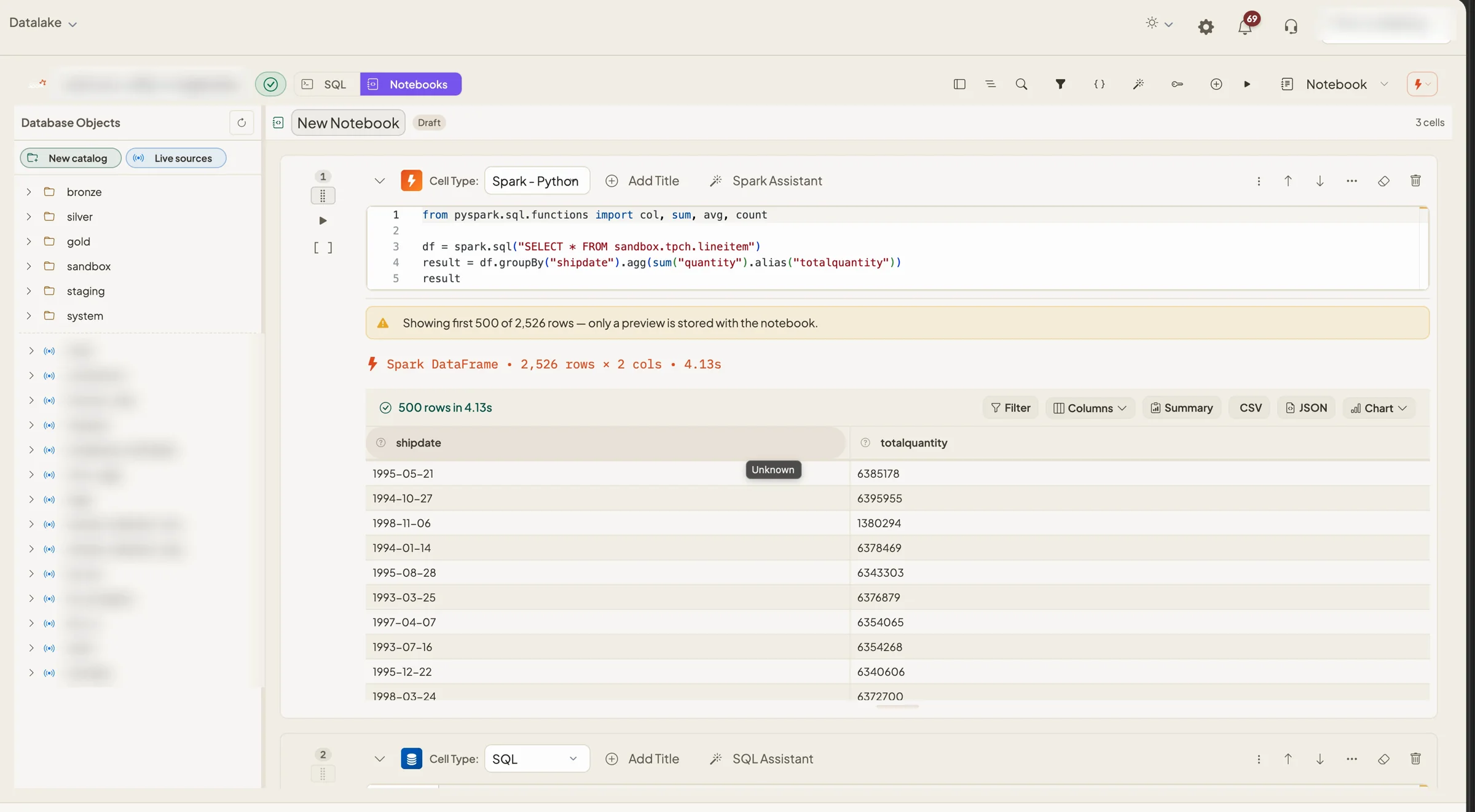
SQL and notebooks for your analysts
Analysts get a proper SQL editor and Python notebooks on the same tables everyone else is asking questions of. Write Spark SQL or PySpark against Databasin Sail, or plain SQL on Trino, and see the results right under the code.
For the technical readerHow the lakehouse is builtDatabasin SailSecurity and deployment
Connect one source and see where it lands.
$50 credit · No card · Your data in an open format, never locked in